✕
A close friend has ADHD. She'd write scattered lists everywhere and still feel overwhelmed. I built NeuroCal so she could think the way she naturally thinks — and let the app handle the organizing.
My friend has ADHD. She'd make lists — on her phone, on paper, in Notes, in messages to herself — and none of them would stick. The problem wasn't that she didn't try. The problem was that every existing planner was built for a neurotypical brain.
Traditional calendars require you to know what time something will happen. To-do apps require you to categorize before you capture. When your brain is firing in all directions, that friction is the whole problem. By the time you've decided which list to put something in, the thought is gone.
I wanted to build something that got out of her way. Type the way you think, and let the app figure out where it goes.
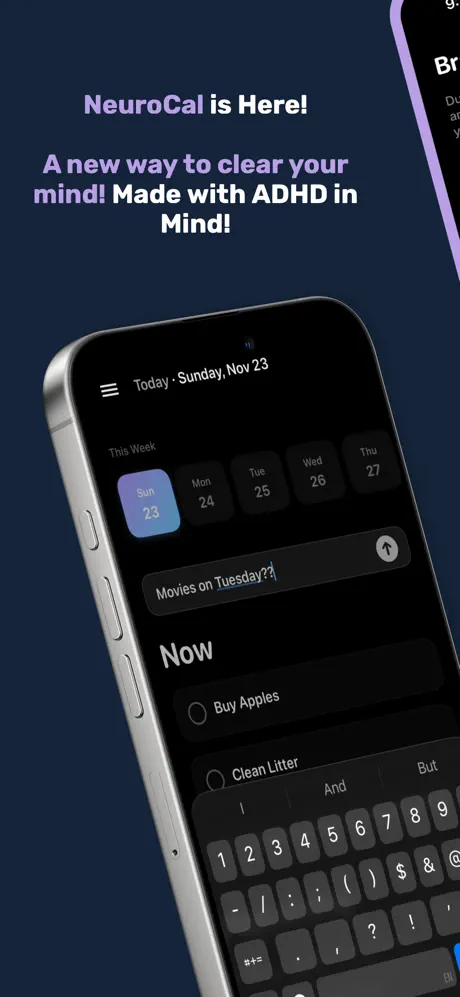
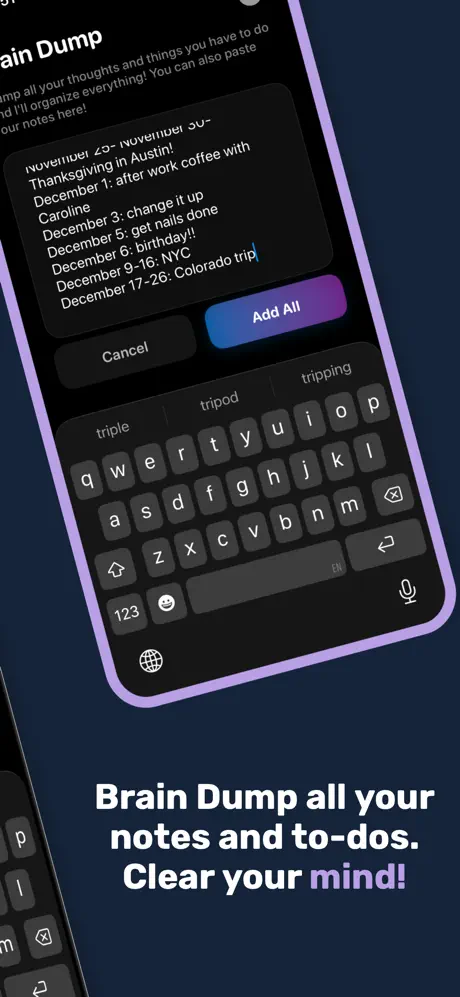
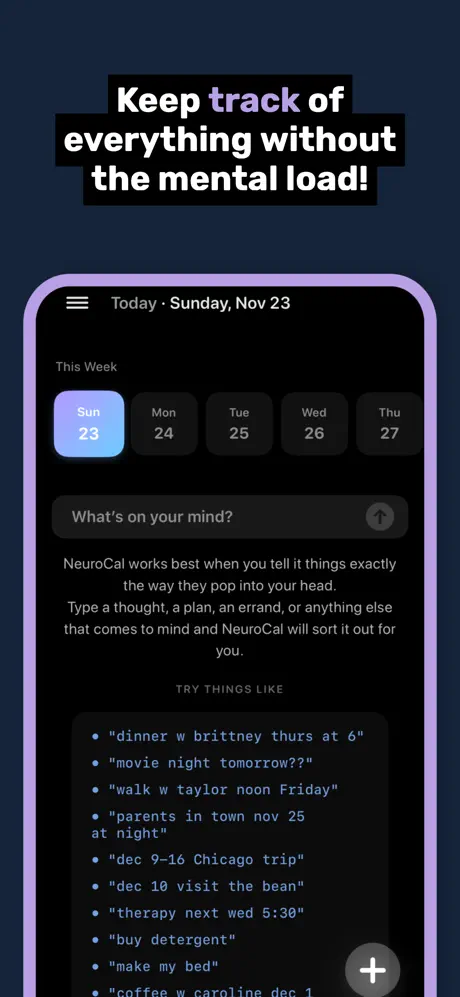
NeuroCal has one input. You type anything — "coffee with Sarah tomorrow 2pm", "therapy Thursday", "buy milk", "remember to call mom" — and it parses your intent automatically. No categories, no forms, no decisions about where it belongs. It just goes in.
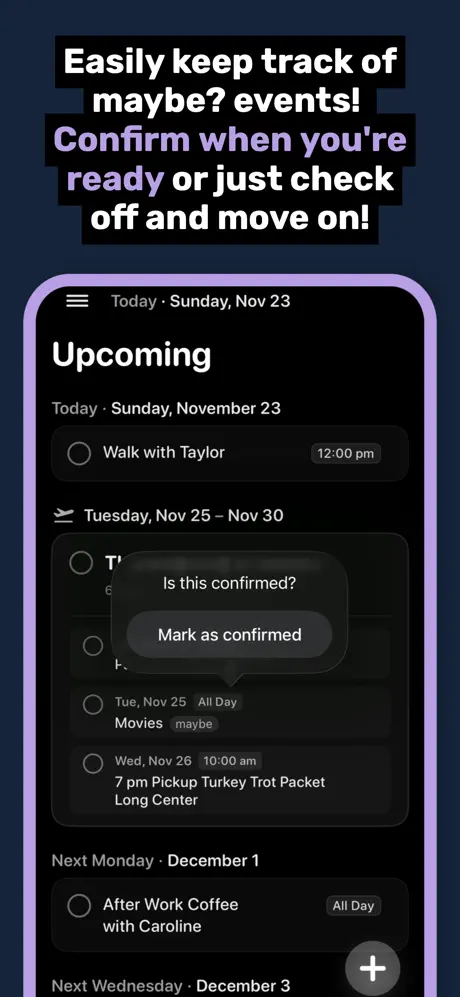
Your view is split into Now and Upcoming. Things without a date live in Now — always visible, always present. Things with dates organize themselves into a clean timeline. Week Focus Mode hides everything beyond the next seven days, so future planning doesn't create present anxiety.
No red badge counts. No overdue guilt. Completed items fade away. The whole design is calibrated to feel lighter the more you use it.
Every visual decision in NeuroCal was made to reduce stimulation. Dark minimal interface, soft animations, subtle haptics. Nothing blinks, nothing pulses, nothing screams for attention. The app is designed to feel like a quiet room — the kind of environment where an overwhelmed brain can actually slow down.
The "Want to peek ahead?" footer is a small but important UX detail. Rather than forcing the future into your view, it gives you permission to look when you're ready. That choice reduces the low-level anxiety that comes from feeling like you're always behind.
Traditional productivity apps are built around the assumption that more structure equals more productivity. NeuroCal is built around the opposite assumption: for some brains, less structure is the structure.
NeuroCal is free on the App Store. Built for ADHD minds and anyone who's ever felt like a planner was working against them.
Download on the App Store